mandara
Dock and launcher

Dock: pinned and running apps, the Applications folder, Downloads and the Trash.
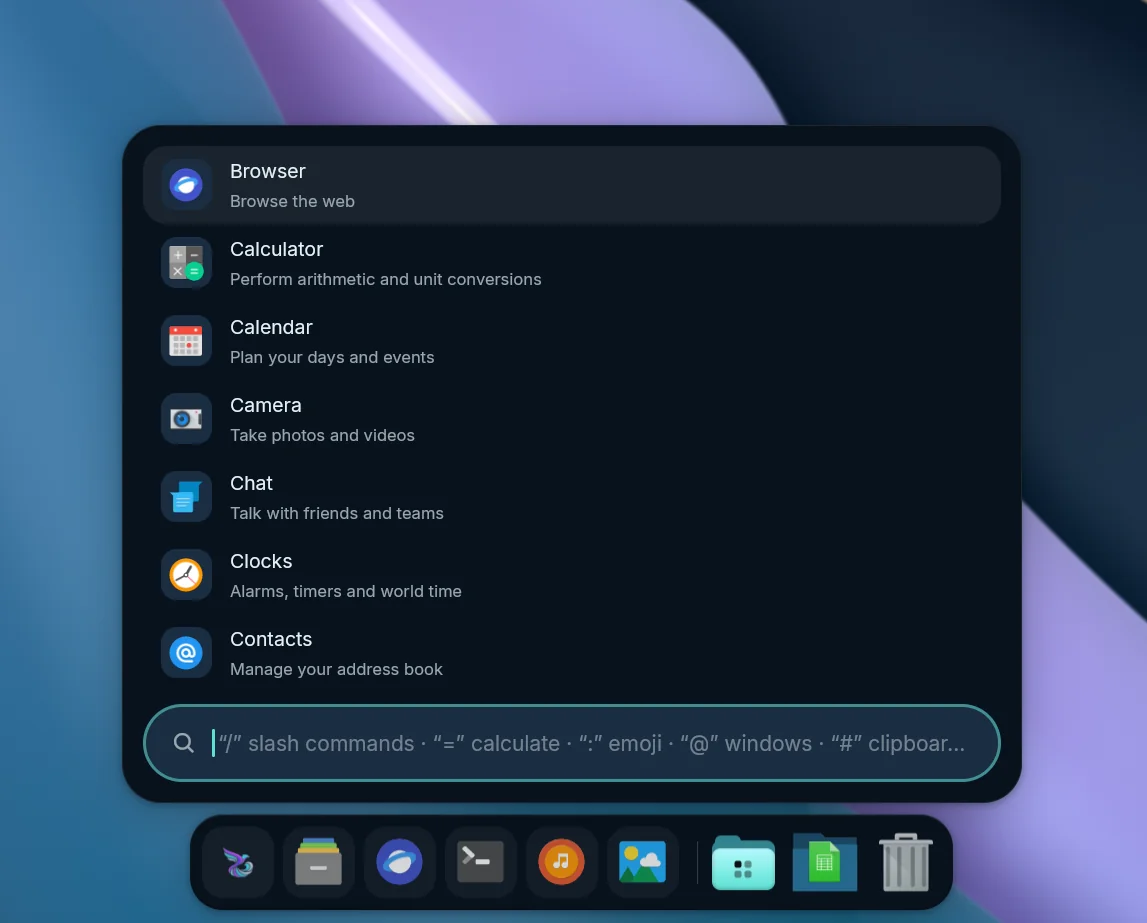 Launcher, attached above the dock |
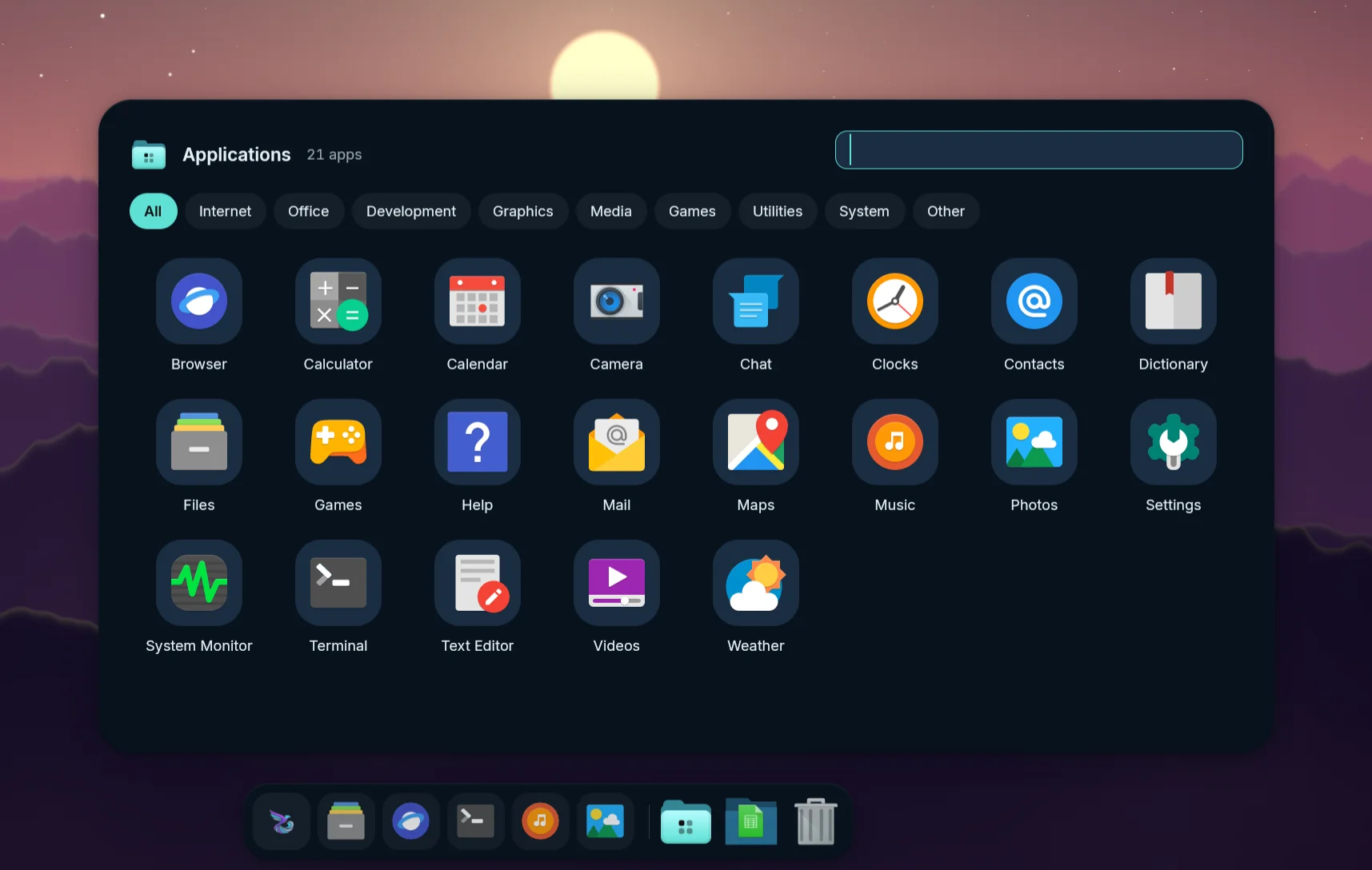 Applications folder |
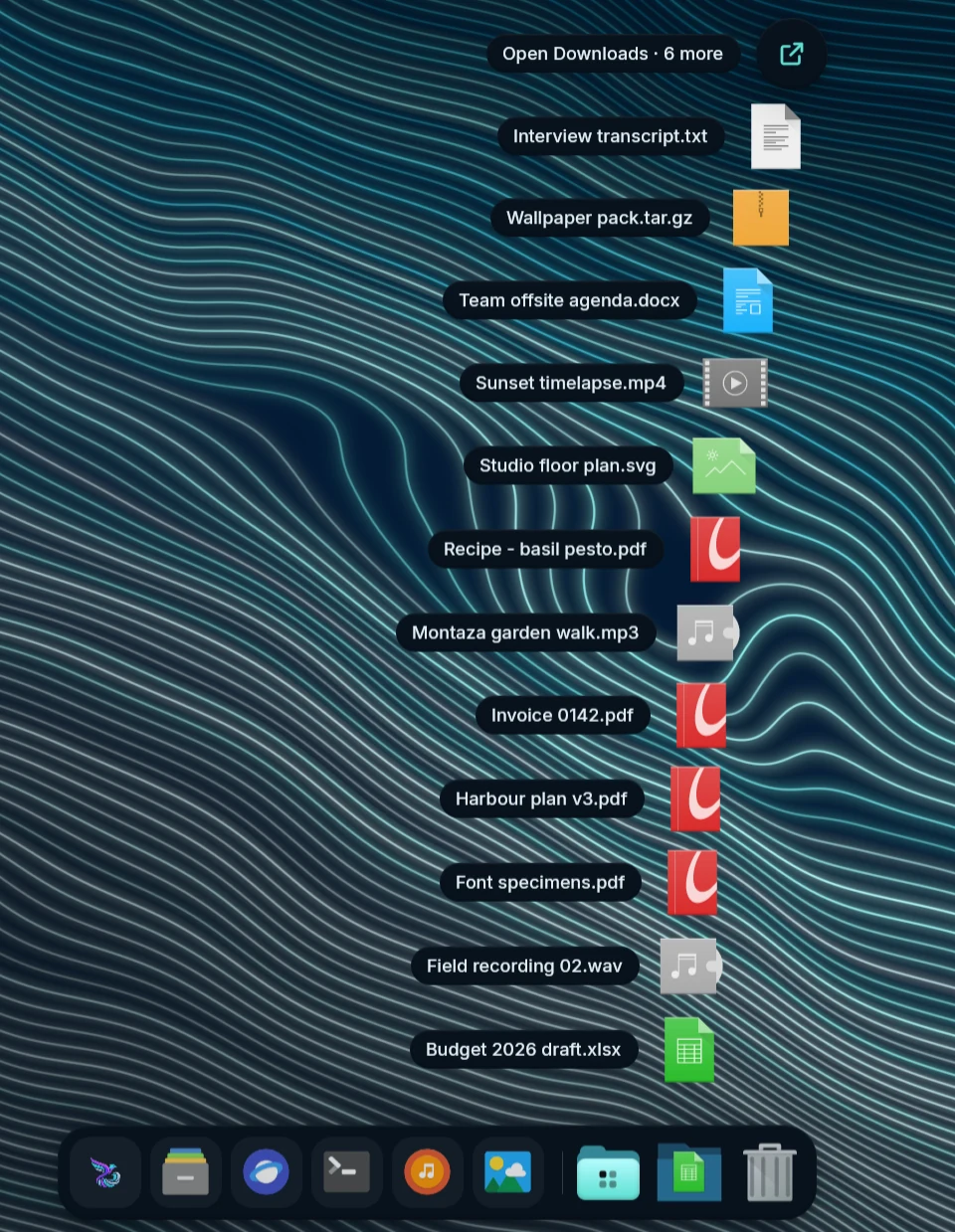 Downloads fan |
- Dock (opt-in), modelled on the macOS Dock: pinned, running and recent
apps on a chromatic-glass strip at the bottom, left or right of each
display, with spring magnification, open-app dots, notification and
progress badges, and launch and attention bounces.
- Right-click any icon for its windows, New Window and the app’s own actions, Options ▸ Keep in Dock ✓ · Open at Login ✓ · Show in Files, Show All Windows, Hide and Quit / Force Quit. Unpinning a running app keeps its icon until it quits.
- Add app… (Studio → Dock, or right-click the dock) searches your installed apps. Drag icons to reorder, drag a running app in to keep it, or drag one away from the dock to remove it with a poof.
- The launcher button is kept like a pinned app: first by default,
drag it anywhere among your pinned apps (or
mandara msg dock move
launcher 2
), remove it from its right-click menu or by dragging it away, and bring it back with Keep the launcher in the Dock in the dock’s own right-click menu or Add the launcher in Studio → Dock. It opens the launcher and wears the bar’s launcher icon. Docks from before 0.23 keep their button where it was (first, or after the pinned apps when it sat at the end). - Applications folder: a dock folder beside Downloads opens a Launchpad-style grid of every app (search, category chips, A–Z / Most used / Categories, right-click Keep in Dock / Open at Login / Uninstall…) and installs any app you drop on it, with a progress ring on the new icon.
- macOS stacks: Downloads and any folder you add open as a fan of the newest files on an arc that pops up out of the icon as one piece, with Open Downloads · N more on top for the rest; or as a glass grid with keyboard navigation, type-to-filter and a right-click menu. A file opens in the app you picked for its type in Studio → Applications → Defaults (else your system’s default), a folder in your file manager. The Trash takes dropped files and opens in your file manager too.
- The dock stays put while a stack, menu or the Applications grid is open, and auto-hide resumes cleanly when you close it.
- Auto-hide (off, on, or only when a window overlaps) reveals at the
screen edge; every setting is live in Studio → Dock, and
mandara msg dock pin|unpin|toggle-pin|move <app>,dock add,dock stack add|open <folder>,dock applications openanddock trashscript it.
- Launcher (Super+Space): fuzzy search over apps, settings, every plugin
and command, a calculator, slash commands (
/g,/yt,/wiki,/gh,/todo,/noteand your own) and skills (named routines). Providers with their own prefixes::emoji (English or Arabic names),@open windows,#clipboard history,*wallpapers,~files. The empty search field lists what a query can start with, the same in every look:/,=, the AI Shell Agent’s!while it is switched on (Local shell commands), then each provider that is on with the prefix you gave it. It follows Studio while the launcher is open. It learns what you open (frecency, kept on this computer), shows pinned and recent apps first, and lists desktop actions (New Private Window). Put it anywhere: float it in the middle of the screen or attach it to the top or bottom edge at the left, middle or right. On the bar’s edge it grows out of the bar like a panel (flares on the edge frame, a floating card under pills or the island), optionally out of the launcher button itself. Pick the spot on a screen diagram in Studio → Launcher, or runmandara msg launcher placement top-left. The launcher button in the bar shows Mandara’s logo in colour; Studio → Launcher → Button icon swaps it for a bundled icon, your distribution’s logo, any icon from your theme or your own image ([appearance] launcher_icon). Every app icon in the launcher, the dock and its Applications drawer sits on one shape, a squircle by default, so icons themes draw as squares, circles or free shapes read as one set; pick Circle, or Theme’s own to keep each icon as drawn (Studio → Launcher → App icon shape,[appearance] app_icon_shape). Three looks, one click each (Studio → Launcher → Launcher looks, ormandara msg launcher look classic|grid|beacon;launcher lookslists them): Classic is the list drawer above (the default). Grid shows every app as a large icon with its name, in as many columns as fit, with All / Pinned / category chips on top; arrows move in two dimensions, Tab switches the category, and the tiles reflow with a spring as you type. Beacon is a centred glass search bar in the upper part of the screen, in the style of macOS Spotlight: round mode buttons beside it (Apps, Files, Actions, Clipboard, or Ctrl+1–4) and the results under it, grouped under a Top hit and headings by kind, once you type. Any look’s settings (grid icon size, grouping, keyboard hints, the bar’s width and height on the screen) can be changed afterwards. The launcher keeps only the icons it shows decoded (8 MiB at most) and frees them all when it closes. - They share the edge. With the dock on, the bottom edge belongs to the dock: the launcher stops opening on hover, opens by click or keybind only, and floats above the dock instead of covering it.
- Alt-Tab window switcher with live window previews
(
ext-image-copy-capture), most-recently-used order and switch-on-release; started from a click or a script, it stays open until you choose.