# Wallpapers
The wallpaper picker and engine, and Mandara's own wallpaper generator.
## Wallpaper picker and engine
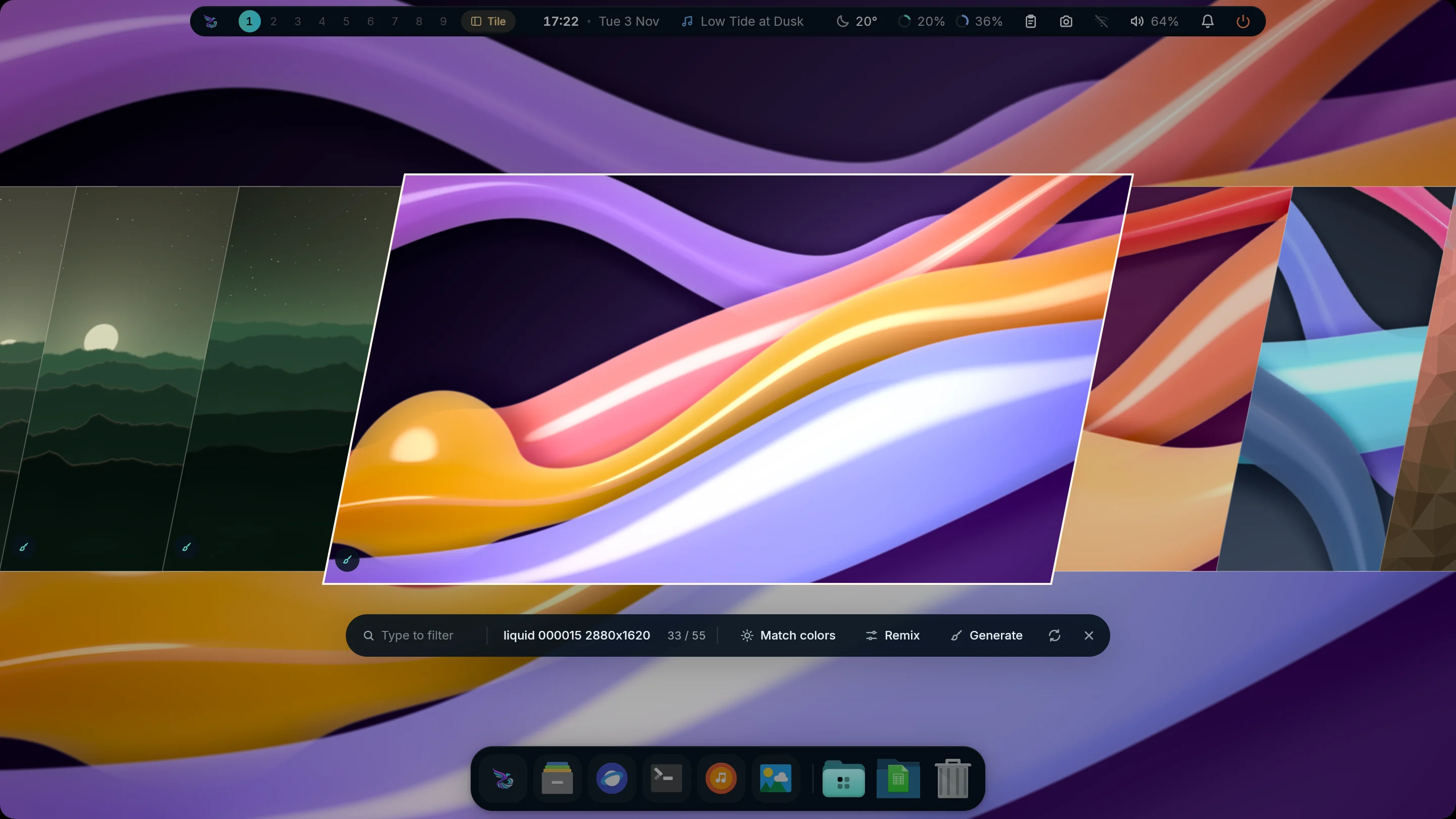
Picker: slanted slices |
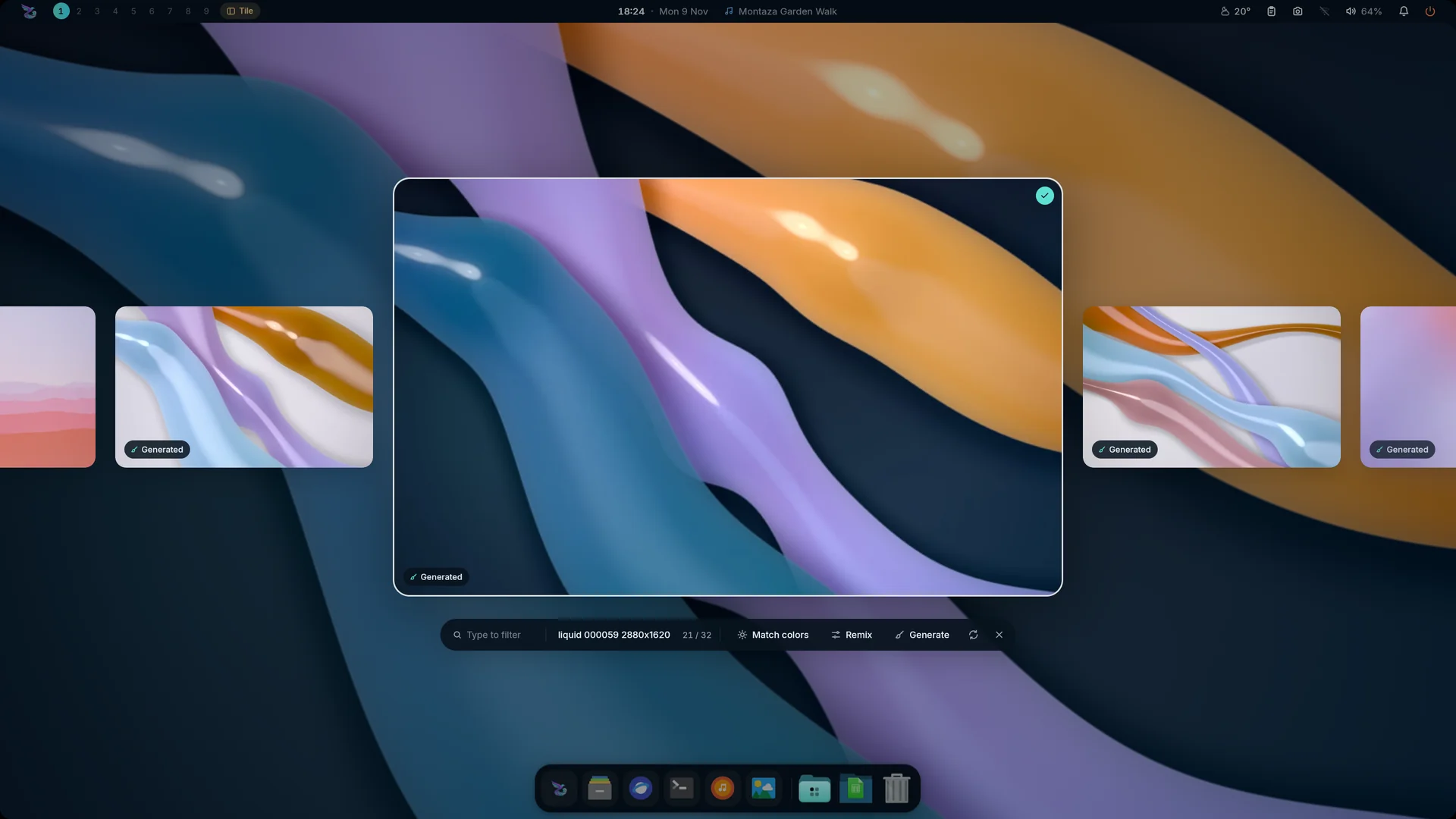
Picker: carousel |
- **Picker** (Ctrl+Shift+W): slanted slices or a floating carousel, type to
filter, **Match colors** to theme the whole desktop from the wallpaper, and
**Wallhaven** browsing (the opt-in `wallhaven` plugin: switched off, the
picker has no Wallhaven source and Mandara makes no request to it).
- **Engine**: fill / fit / stretch / center / tile, fade / wipe / grow
transitions, separate **light and dark wallpapers** and **per-display
wallpapers**.
- **In Studio** (*Studio → Wallpaper*): the page opens on the wallpaper on
your desktop, large, with its size, folder and colours, then every
wallpaper in your folder as a fast, paged grid of thumbnails: click (or
use the arrow keys and Enter) to switch, filter by name, add to the
slideshow playlist. Tabs hold the slideshow, *Fit & effects*, and the
generator and Wallhaven when those plugins are on.
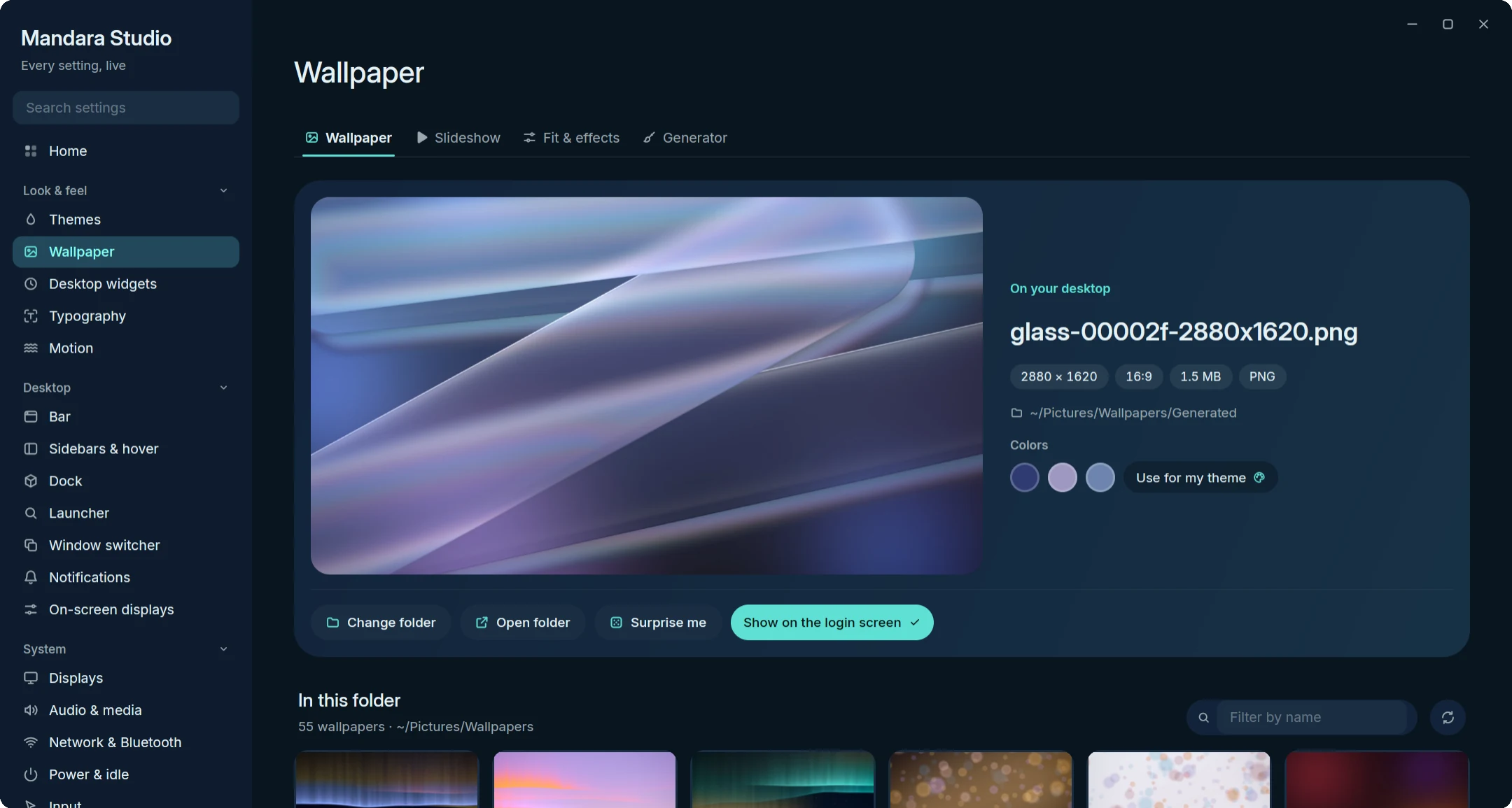
Studio: your wallpaper and its folder |
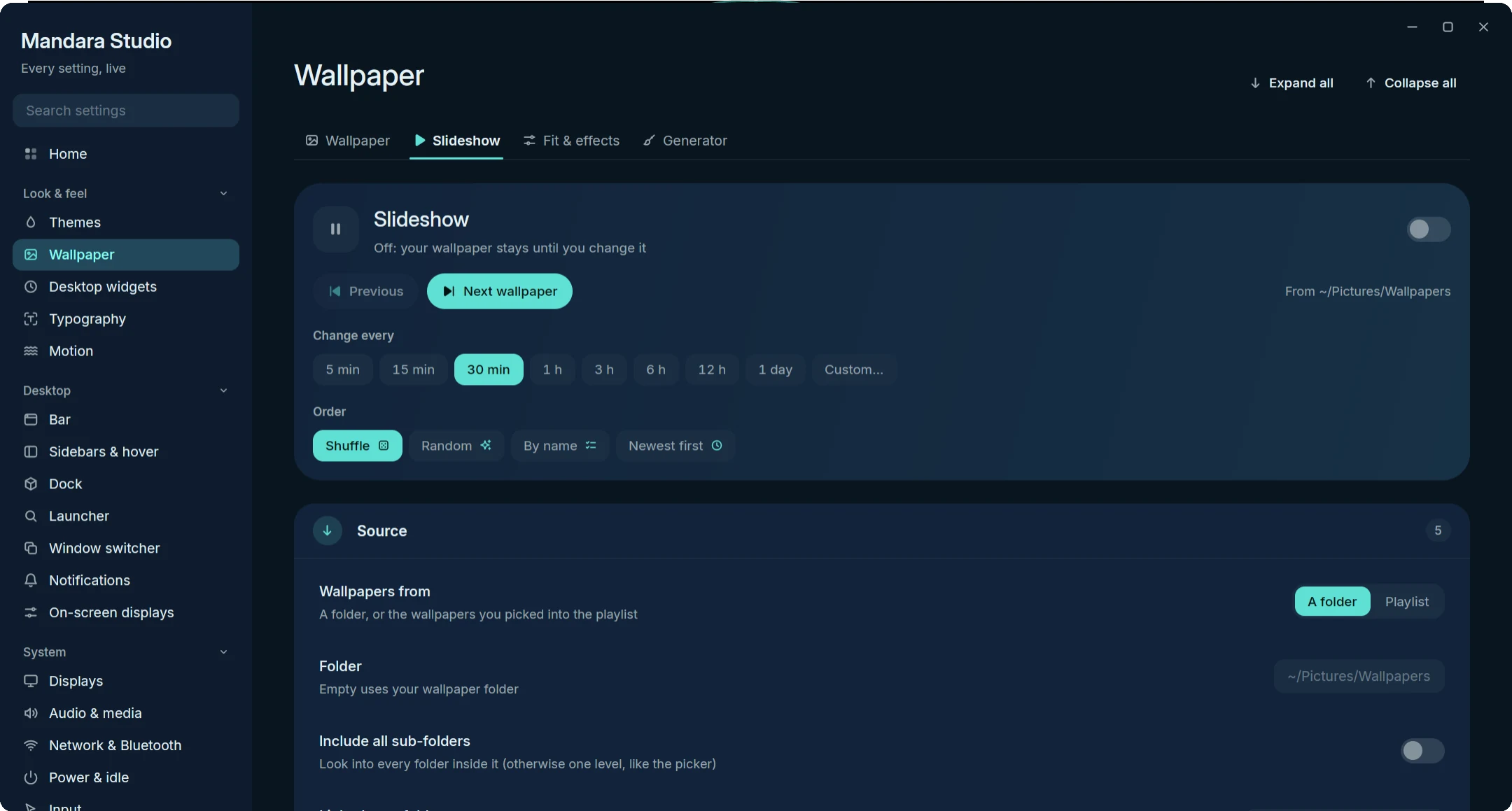
Studio: the slideshow |
## Slideshow
Turn it on in *Studio → Wallpaper → Slideshow* or with
`mandara msg wallpaper slideshow on`. Nothing runs while it is off; while it
is on, one timer sleeps until the next change.
- **How often**: one-click intervals from 5 minutes to a day, or your own
(`45`, `90m`, `2h`, `1d`, up to a week). *Previous* and *Next* step
through it by hand.
- **Order**: shuffle (every wallpaper once before any repeats, the default
for new setups), random, by name or newest first.
- **Which wallpapers**: your wallpaper folder, another folder (optionally
with all its sub-folders), separate folders for the light and the dark
theme (it switches when the theme does), or a playlist you pick on the
Wallpaper tab.
- **When**: optionally a new wallpaper at every login, only between two
times of day (the window may cross midnight), and paused while a
fullscreen app is open, on battery or while the screen is locked.
- **How it looks**: the desktop's transition, or the slideshow's own (fade,
wipe, grow or none) with its own length.
- **Displays**: the same wallpaper on every display, or a different one on
each.
- **From the terminal**: `mandara msg wallpaper slideshow status` (JSON with
the next change and any pause), `next`, `previous`, `interval`, `order`,
`source`, `folder`, `playlist`, `hours`, `transition` and `option`; see
[the commands guide](commands.md).
- **Video wallpapers**: AV1 clips (`.webm`, `.mkv`, `.ivf`) loop seamlessly
behind the clock and widgets, decoded in pure Rust once per clip for every
display showing it, and converted straight into the wallpaper's buffers.
They pause (no decoding, no timers) behind windows, while locked, with the
screens off and on battery; the picker marks them with a badge, and Match
colors themes the desktop from a frame of the clip.
- **Depth desktop clock**: a big Alexandria / Cairo clock, a Gregorian +
Hijri date pill and a ring that moves with your music, drawn *behind* the
wallpaper's subject. Mandara finds the subject itself, either with its
hand-tuned finder (no download, skipped when unsure) or with a small depth
model downloaded on demand and run once per wallpaper at idle priority,
or uses your own mask ([details](plugins.md#wallpaper-depth)).
**Place the clock** moves it to where the subject rises into its digits,
and the date pill comes to the front whenever anything covers it.
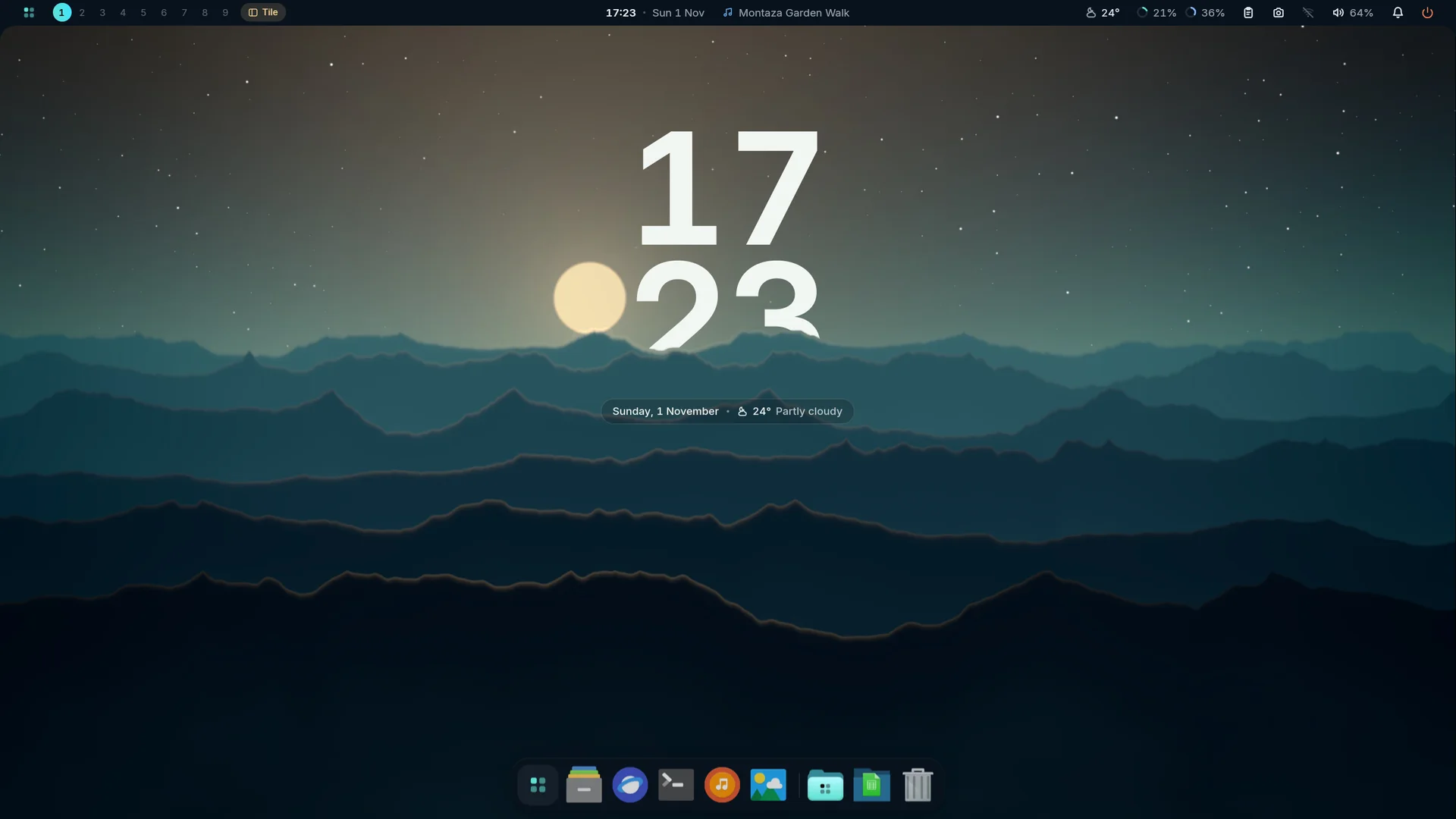
The depth clock: the ridge passes in front of the digits, the date stays readable.
## Wallpaper generator
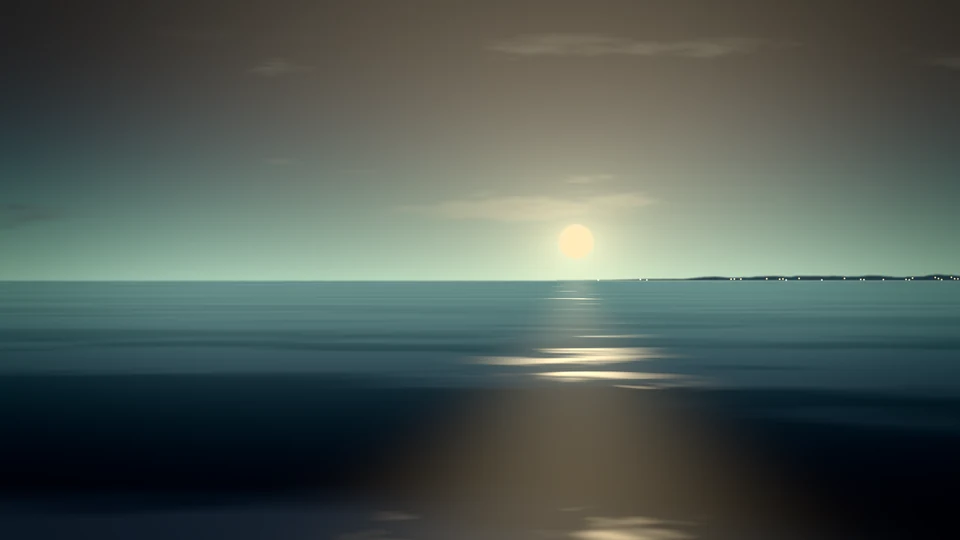
Corniche · Mandara Corniche |
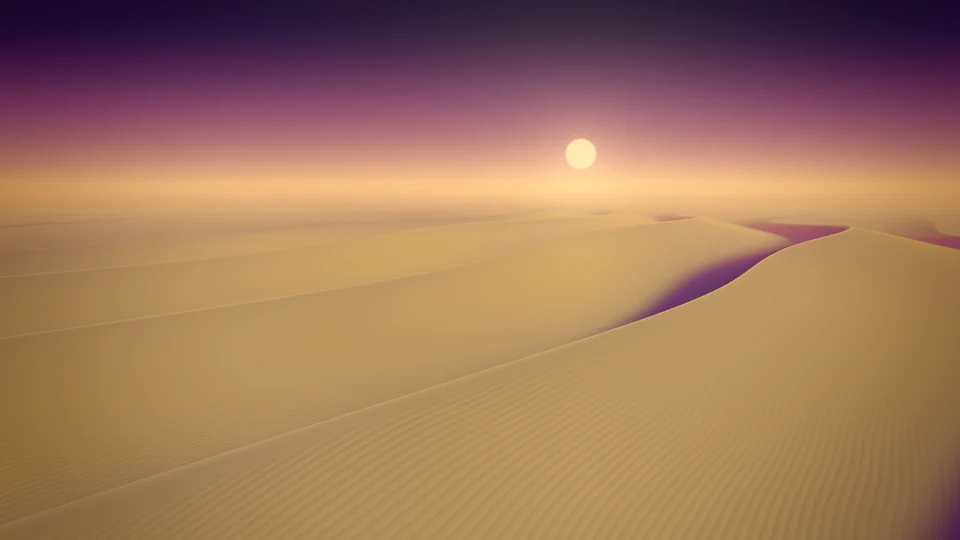
Dunes · Sunset |

Liquid · Montaza Twilight |
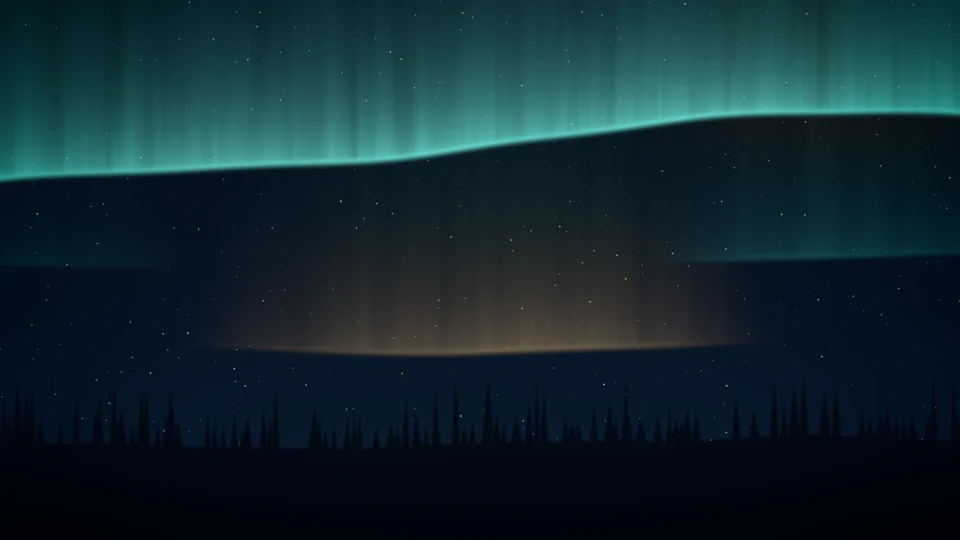
Aurora · Mandara Corniche |
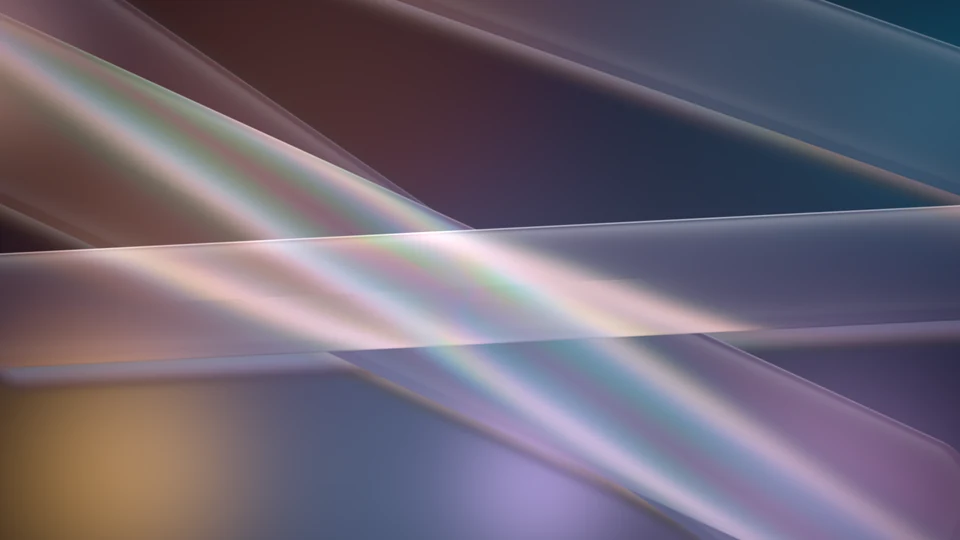
Glass · Rosé Pine |
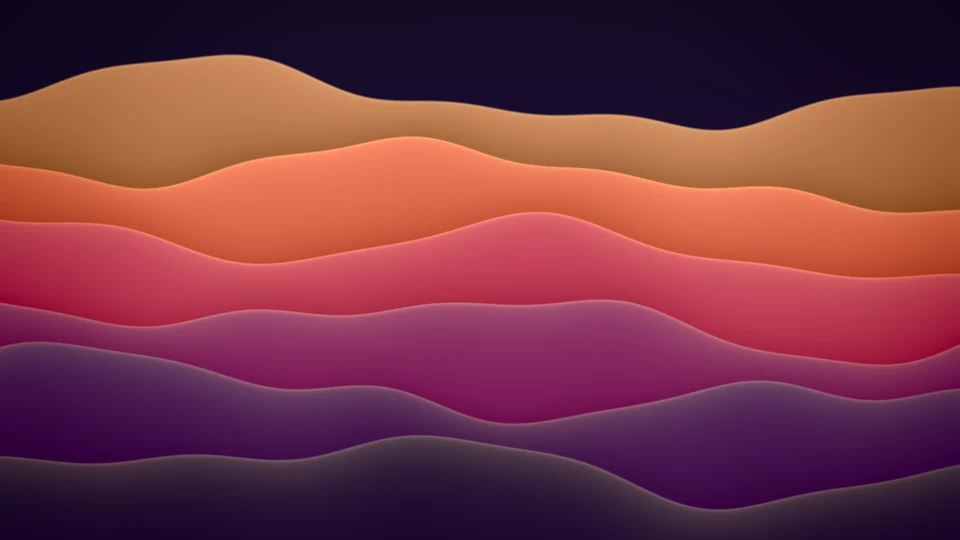
Waves · Sunset |
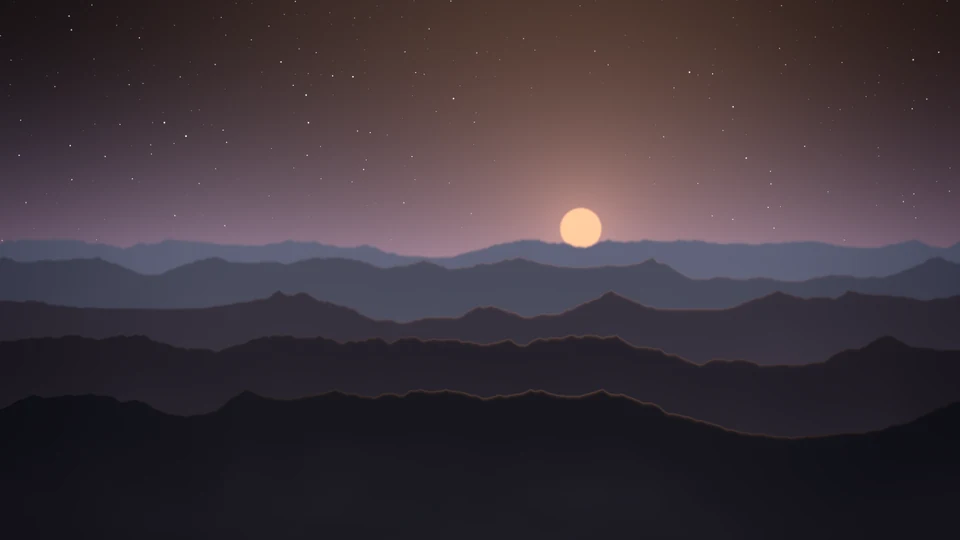
Landscape · Kanagawa |
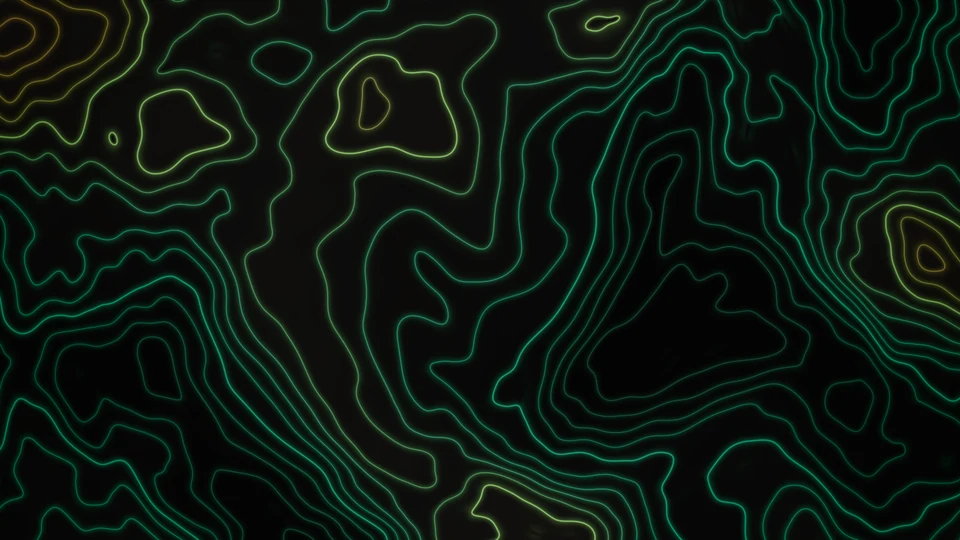
Contours · Mandara Obsidian |

Bokeh · Montaza Twilight |
Every image above came out of the generator as is, at default settings with a palette and seed picked; shown here at 960 × 540.
Make your own wallpapers on your machine, in pure Rust: twelve styles (mesh
gradients, landscapes, the Corniche, aurora, dunes, silk flow, contours,
bokeh, low poly, liquid, waves and glass), the curated palettes, your theme's
colors or your own, and every variable on a slider. An opt-in plugin
(*Studio → Plugins*).
- **Designed in Studio**: a live preview that follows your sliders, a style
gallery in your palette, clickable variations, a seed you can shuffle or
lock, light or dark to follow the theme.
- **Any size, small files**: 1080p, 2K, 4K, 5K, 8K, ultrawide, portrait or
your display's exact shape, saved lossless in the smallest file (WebP or
PNG, whichever comes out smaller for the picture; or pick WebP, PNG or
JPEG) with the expected size shown before you generate.
- **Video loops**: seamless AV1 loops that play as video wallpapers.
- **Remix anything**: each file remembers its recipe, so you can reopen it,
vary it or re-render it bigger.
- **In the picker**: a Generate button, a marker on generated wallpapers
and Remix.
- **On a schedule, if you want**: off until you turn it on; a fresh
wallpaper every few hours, old ones cleaned up, missed runs never piling up.
- **Agent-ready**: `mandara msg wallgen generate aurora --size 8k`, and the
rest of `wallgen …` in [the commands guide](commands.md#wallpaper-generator).
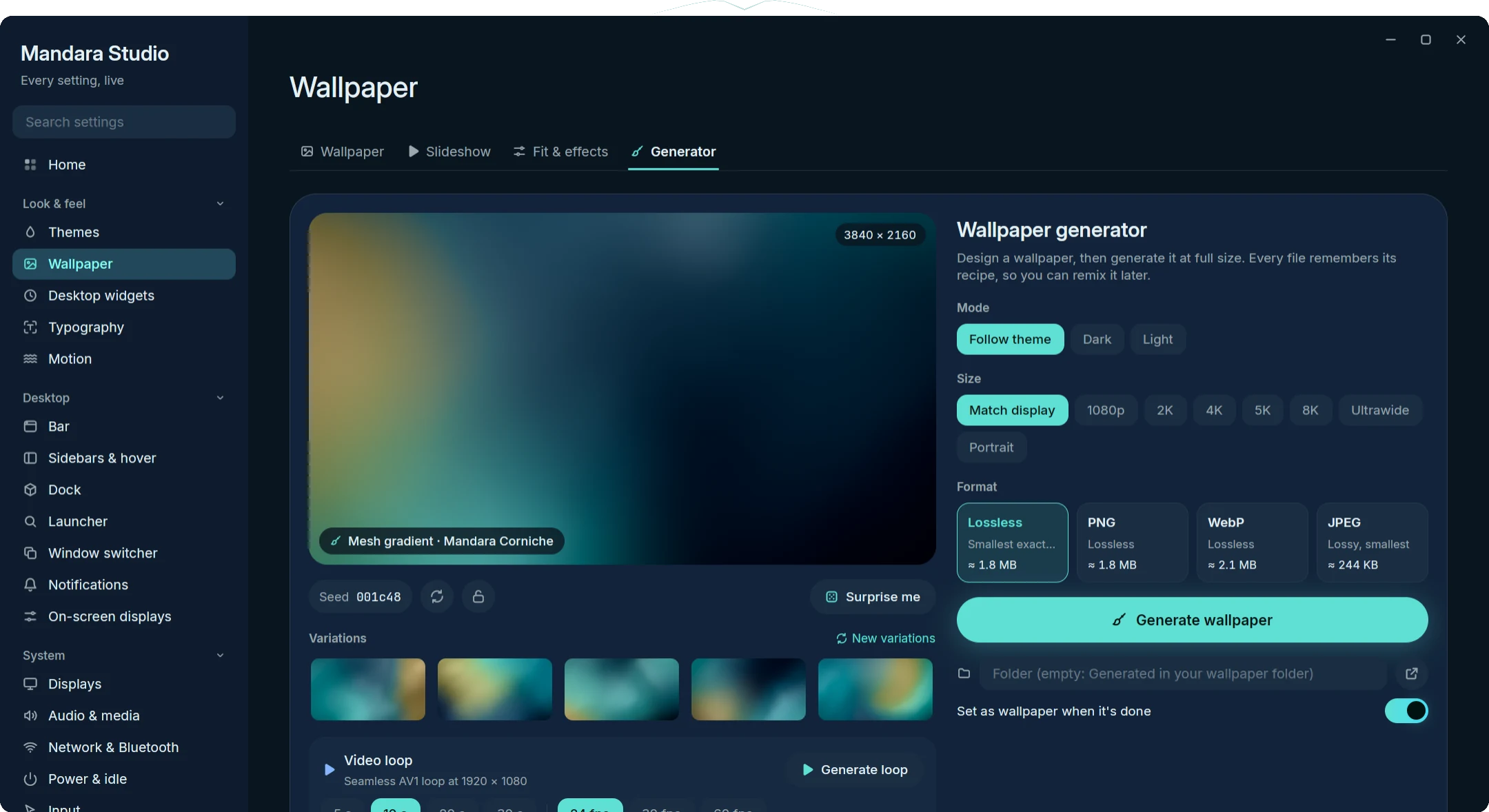
Studio: preview, variations, size and format |
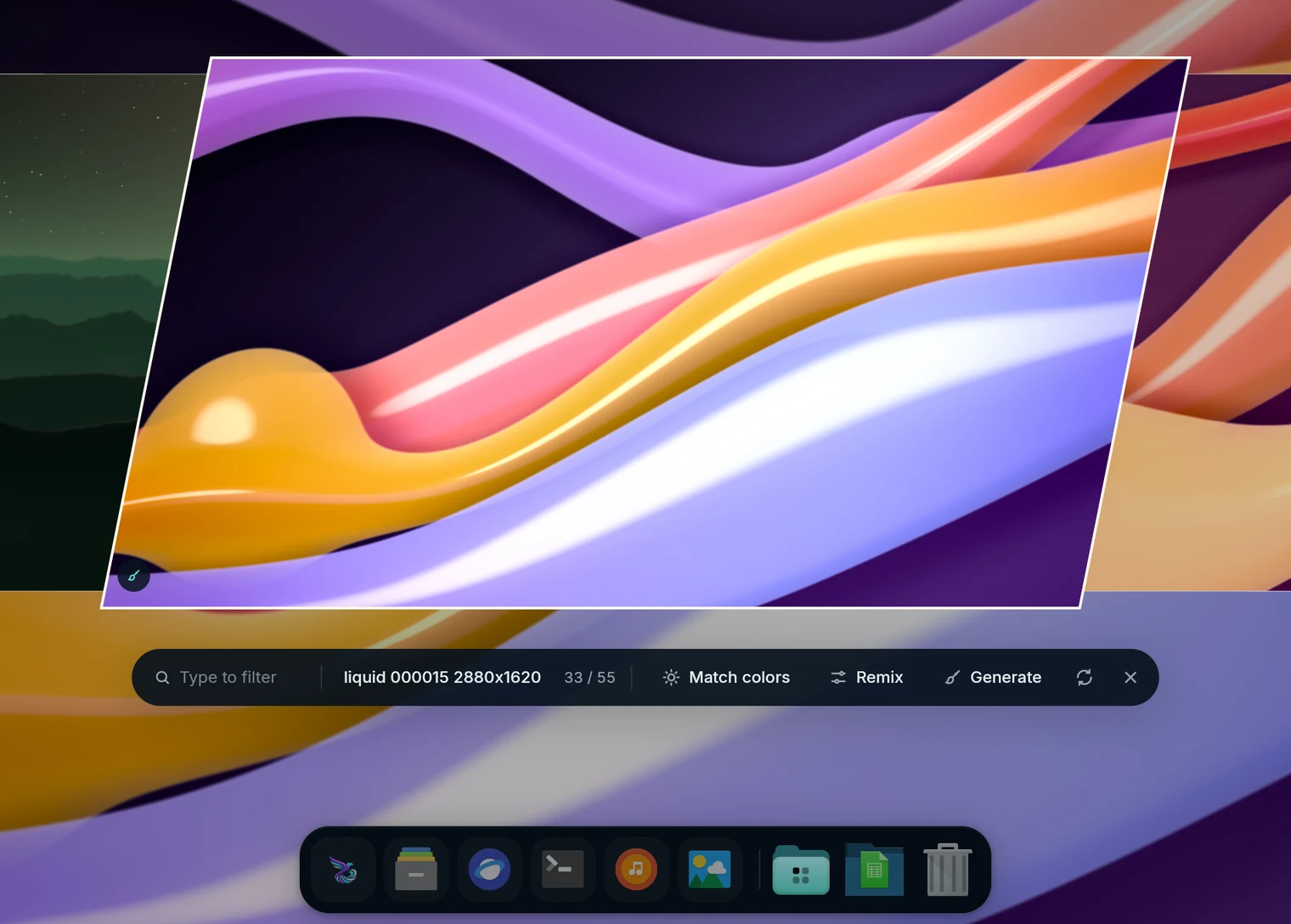
Picker: Generate and Remix |